What’s the difference between vector and bitmap images?
Vector images and bitmap images are two different ways of creating and storing digital graphics. Understanding the difference is essential when designing logos, preparing artwork for print or producing graphics for websites and digital media.
The main difference is that vector graphics are created from mathematically defined paths and shapes, while bitmap images are made up of individual pixels. This affects how images can be resized, edited and reproduced.
What is a bitmap image?
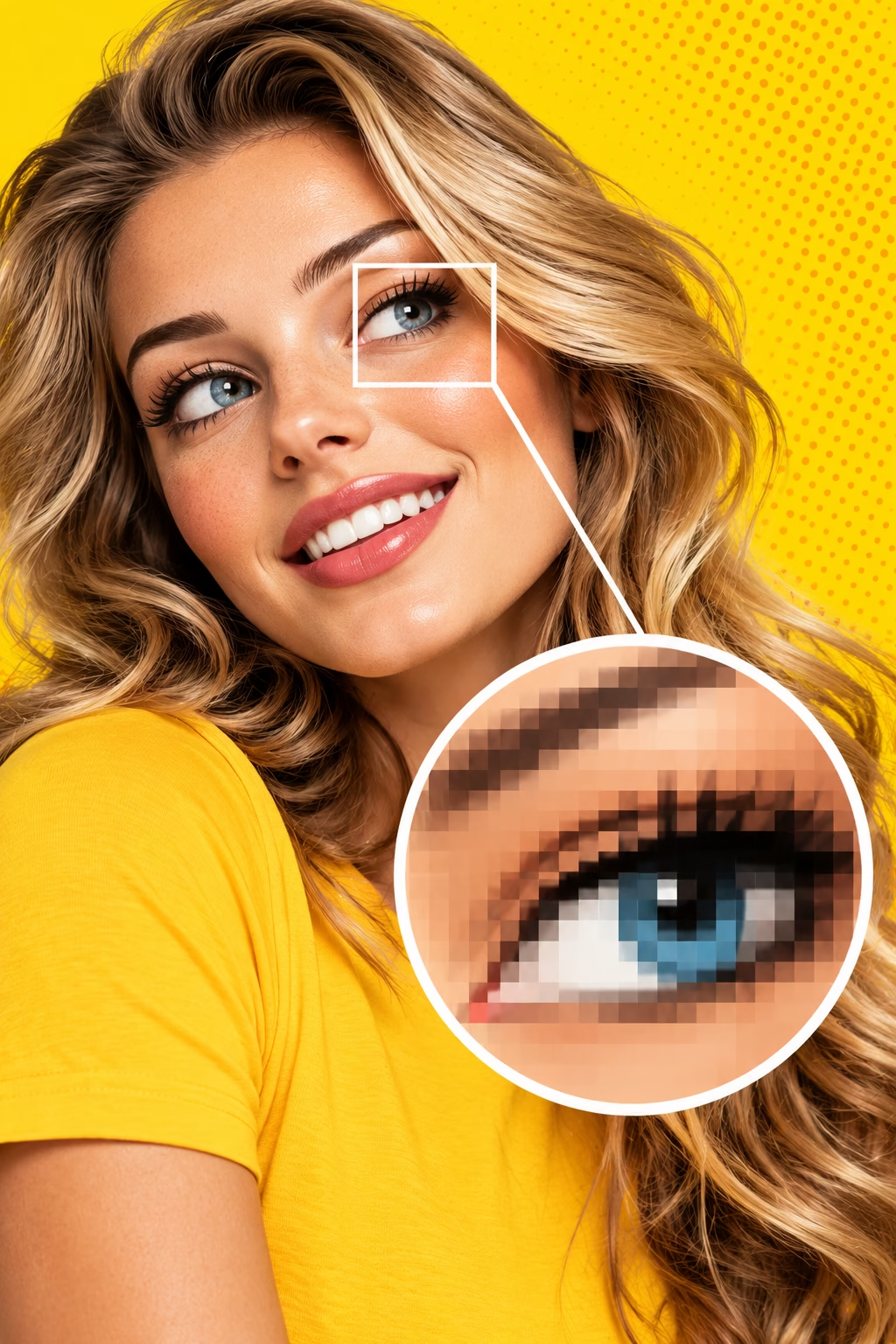
A bitmap image, also known as a raster image, is made up of a grid of tiny picture elements called pixels. Each pixel contains colour information, and together they form the complete image. Digital photographs, scanned images and many images used on websites are bitmap graphics.
When you enlarge a bitmap image beyond its effective resolution, the individual pixels can become visible, making the image appear blocky or blurred. The amount of detail available depends on the original image dimensions, resolution and quality.
Different formats have different characteristics. JPEG normally uses lossy compression, which discards some image information to reduce file size. PNG uses lossless compression, which preserves the original pixel data. TIFF can support several compression methods.
- JPEG (.jpg, .jpeg) – widely used for photographs and web images.
- PNG (.png) – supports transparency and lossless compression.
- TIFF (.tif, .tiff) – commonly used for high-quality images and print production.
- PSD (.psd) – Adobe Photoshop’s native format, supporting layers and editable image content.
- GIF (.gif) – supports limited colour palettes and simple animation.
- BMP (.bmp) – a bitmap format associated particularly with Windows.
Bitmap images can be edited and converted between formats using applications such as Adobe Photoshop. However, changing the file format does not automatically improve image quality or restore lost detail.
What Is a Vector Image?
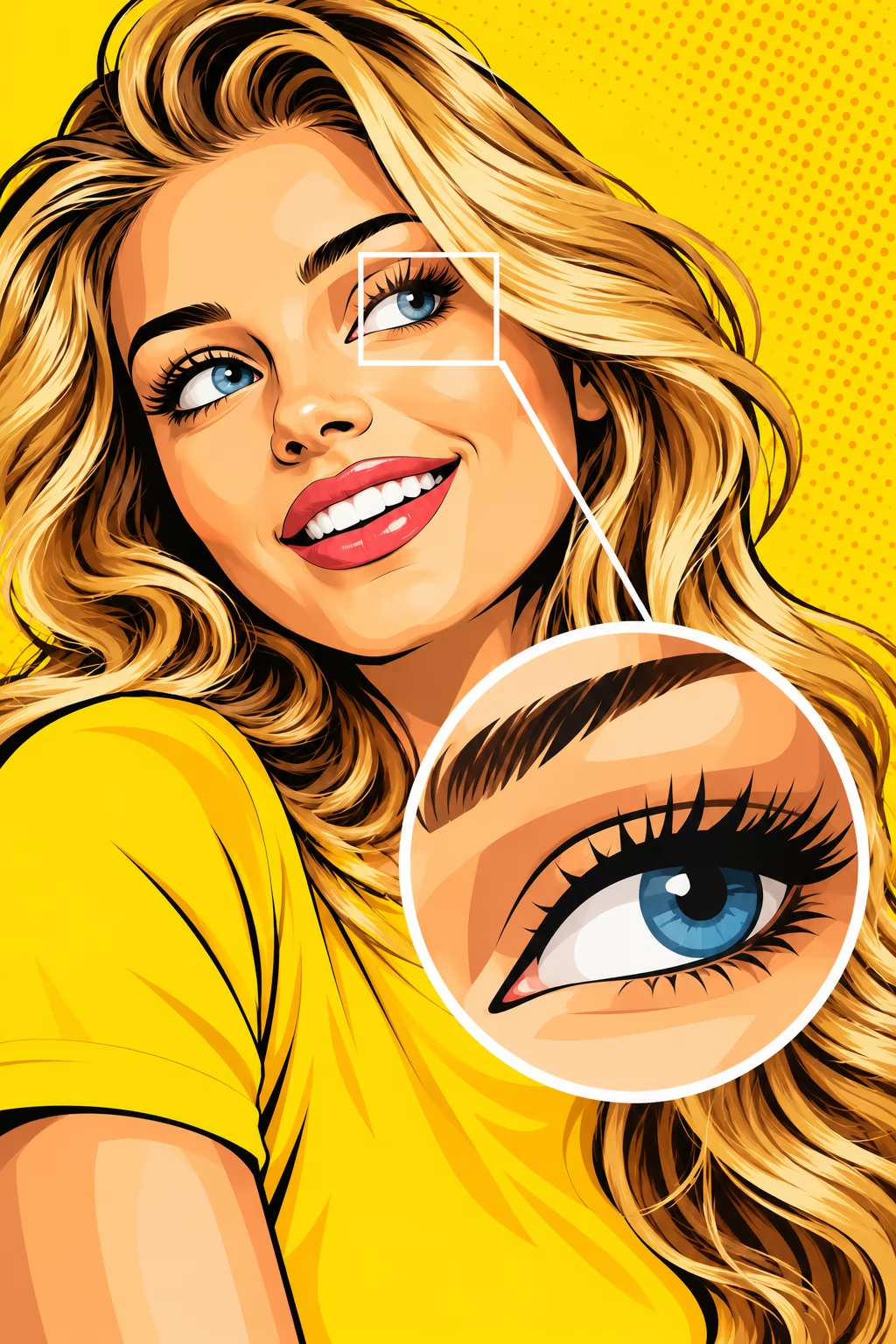
A vector image is constructed from mathematically defined points, lines, curves and shapes. These elements describe the geometry of the artwork rather than storing the image as a fixed grid of pixels. Vector graphics are commonly created in applications such as Adobe Illustrator , Affinity Canva and CorelDRAW.
Because the shapes are mathematically defined, vector artwork can generally be enlarged or reduced without losing the sharpness of its edges. This makes it particularly suitable for logos, icons, diagrams, lettering and illustrations made from defined shapes.
An important distinction is that a file extension alone does not guarantee that a file contains vector artwork. A PDF or EPS file, for example, can contain a photograph or a bitmap image rather than editable vector shapes.
Common vector-capable file formats include:
AI (.ai) – Adobe Illustrator’s native format.
SVG (.svg) – a scalable vector format widely used on websites and in digital graphics.
EPS (.eps) – a format historically used extensively for exchanging vector artwork in print production.
PDF (.pdf) – can preserve vector artwork, fonts and other content, but may also contain bitmap images.
What Is the Difference Between Vector and Bitmap Images?
| Feature | Vector graphics | Bitmap graphics |
|---|---|---|
| How they are created | Mathematical paths and shapes | A grid of pixels |
| Enlarging the image | Retains sharp edges | May become blurred or pixelated |
| Best suited to | Logos, icons, lettering and illustrations | Photographs and detailed images |
| Resolution | Independent of output resolution until rasterised | Has a fixed pixel dimension |
| Editing | Individual paths, points and shapes | Individual pixels, selections and image areas |
| Typical applications | Adobe Illustrator, CorelDRAW | Adobe Photoshop |
A vector graphic can ultimately be converted into a bitmap image for use on a website, in a presentation or in a print workflow. However, converting a bitmap into a vector does not automatically recreate the original shapes or details.
Why should logos be created as vector artwork?
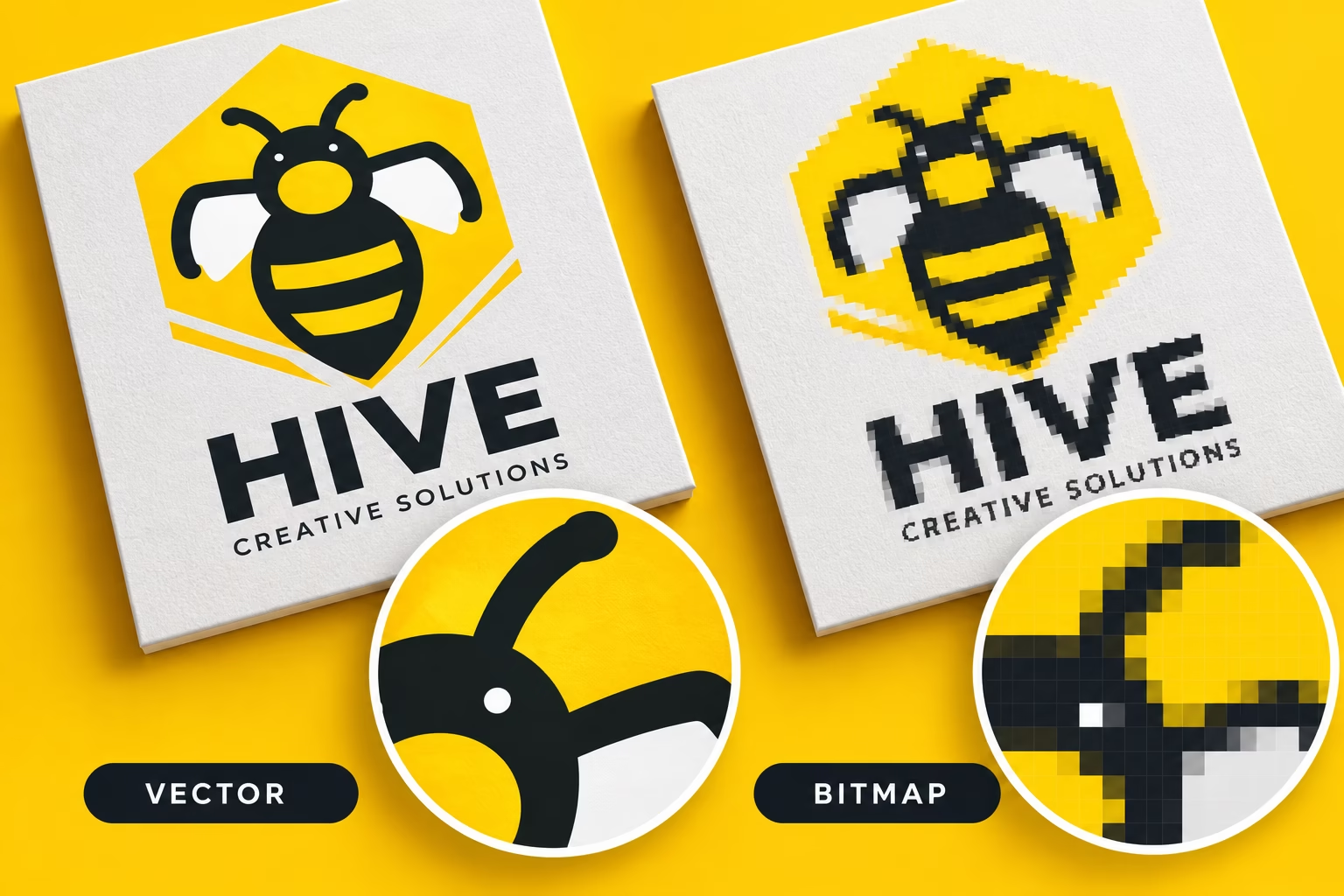
A professionally designed logo should ideally have a vector master file. A business logo might appear on a business card, a brochure, a website, a vehicle, exhibition graphics or a large-format display. These applications can require dramatically different reproduction sizes.
With vector artwork, the same logo can be scaled to suit the application without the edges becoming pixelated. Its colours and shapes can also be edited more readily, provided the artwork is properly constructed and the necessary fonts or other elements are available. A vector master can also be exported into bitmap formats at the dimensions required for websites, social media and other digital applications.
There are exceptions. A logo may incorporate photographic elements or complex effects that require bitmap content. In these cases, the artwork may combine vector and bitmap elements. Keep the original editable vector artwork wherever possible. A small JPEG of a logo is not a substitute for a properly prepared master file.
Can I convert a JPEG into a vector image?
Yes, but there is an important distinction between converting the file and recreating the artwork. A JPEG is a bitmap image. Opening it in Adobe Illustrator and saving it as an AI, EPS, SVG or PDF file does not automatically turn its pixels into vector shapes. There are two main approaches:
1. Automatic tracing
Software such as Adobe Illustrator can trace a bitmap image and generate vector paths. This can work well for simple logos, silhouettes and artwork with clearly defined areas of colour. However, automatic tracing can create excessive anchor points, uneven curves, unwanted shapes and inaccurate colours. Photographs and complex images are particularly difficult to reproduce as clean, practical vector artwork.
2. Manual redrawing
For a professional logo, manually rebuilding the artwork using vector paths is often the better solution. The designer can reproduce the lettering, curves, spacing and shapes more accurately and create a cleaner, more editable result. If the original vector file has been lost, the quality of the JPEG and the complexity of the logo will determine how successfully it can be recreated.
Will saving a bitmap image as a PDF or EPS improve its quality?
No. Changing the file format does not change the underlying image data. A low-resolution JPEG placed into a PDF remains a low-resolution bitmap image. The PDF may contain vector text and other vector elements, but the photograph or logo will still consist of pixels. Similarly, saving a bitmap image in an EPS file does not automatically make it vector artwork.
Increasing the pixel dimensions in Photoshop can produce a larger image, but it cannot guarantee the recovery of missing detail. AI-based upscaling may estimate additional detail, but the result should still be checked carefully, particularly when the image is intended for professional print production. If you need a sharp logo at a large size, the best solution is to locate the original vector artwork or have it professionally recreated.
Is vector artwork always better than bitmap artwork?
No. The two formats serve different purposes, and professional design frequently combines them.
- Bitmap images are best suited to:
- Digital photographs and photographic reproductions.
- Images containing subtle colour transitions and complex tonal detail.
- Textured images and artwork with photographic effects.
- Image editing and retouching.
Vector graphics are best suited to:
- Company logos and brand marks.
- Icons, symbols and diagrams.
- Line illustrations and technical drawings.
- Typography and shapes that need to remain sharp at different sizes.
A photograph cannot be turned into a true, identical vector photograph simply by changing its format. It can be traced or recreated as an illustration, but this produces a different type of artwork.
When producing a brochure, business card, packaging design or exhibition graphic, a typical workflow combines bitmap photographs with vector logos, illustrations and text.
Which software should I use for vector and bitmap artwork?
The most suitable application depends on the type of work you are producing.
Adobe Illustrator is designed primarily for vector illustration, logos and scalable graphics.
Adobe Photoshop is designed primarily for bitmap image editing, photographic retouching, compositing and image manipulation. It also supports text and vector-based elements, although it is not a replacement for every vector illustration workflow.
Adobe InDesign is designed for page layout, typography and the assembly of documents containing text, images and graphics. It is widely used for brochures, magazines, reports and other multi-page publications.
These applications can work together, allowing designers to use the strengths of each tool. The final artwork must still be prepared correctly for its intended output.
For commercial printing, that means checking image resolution at the final reproduction size, colour requirements, fonts, transparency, bleed and PDF export settings as appropriate for the job.
Need professional logo or graphic design?
At PrePress, we understand the importance of preparing artwork correctly for its intended use. A logo that looks good on screen must also be suitable for the applications in which it will be reproduced.
Our design services cover brand identity, graphic design, printed materials and exhibition graphics, with an emphasis on creating artwork that works in the real world.
Explore our logo design services to find out how we can help develop a professional identity for your business.
Explore the world of PrePress