Where to get free stock images:
The six best websites for royalty free photos
Finding high-quality stock images does not have to be expensive. Whether you are designing a website, creating a brochure, producing social media content or preparing marketing materials, there are several websites offering photography, illustrations and graphics that can be used for free.
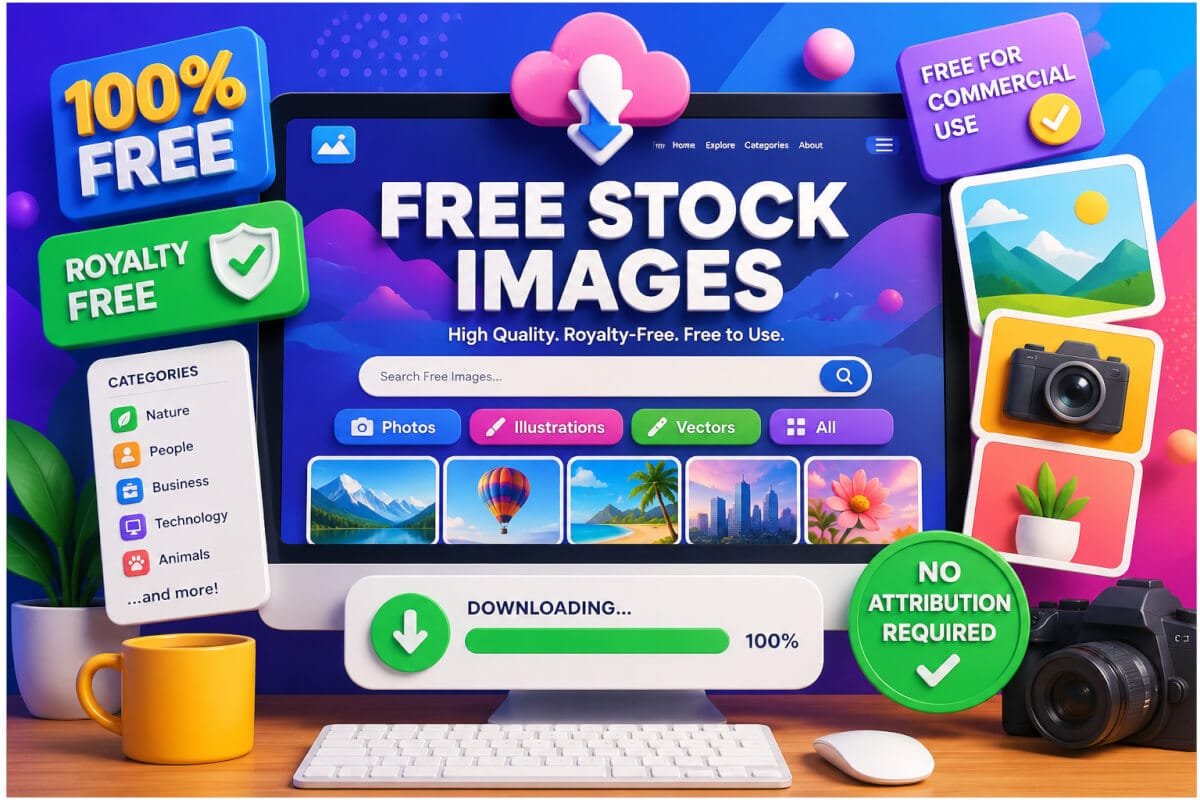
We have selected nine useful resources, from professional photography libraries to vector graphics and openly licensed images. Each offers something different, so you can choose the right source for your project.
Before downloading: Free does not mean unrestricted. Always check the applicable licence, attribution requirements and any additional rights that may affect commercial use.
A list of free stock images with no sign up, no fees.
Finding great images shouldn’t mean paying for an expensive stock library or signing up for yet another subscription. We’ve selected six excellent websites where you can download free stock photography, without needing a paid account or entering credit card details to access their free collections.
From stunning photography to creative images for websites, brochures and marketing materials, these resources offer plenty of inspiration without stretching your budget. Just remember to check each site’s licence before using an image commercially.
Where to get free stock images
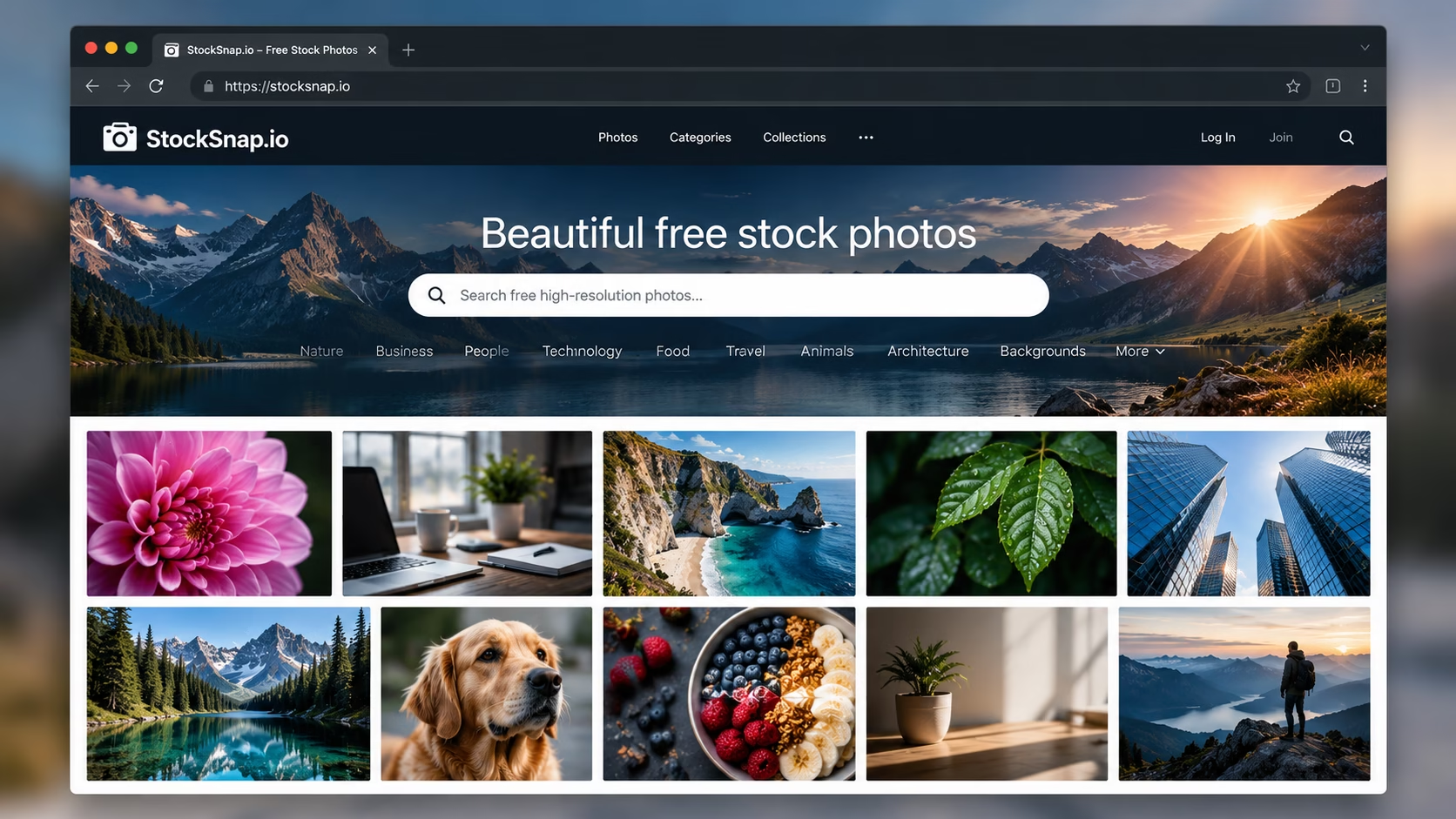
Discover thousands of high-resolution photographs covering everything from business and technology to nature, travel and everyday life. StockSnap is an excellent starting point when you need striking imagery for websites, brochures, presentations and marketing materials. Downloads are free, and its CC0 terms do not require photographer attribution.
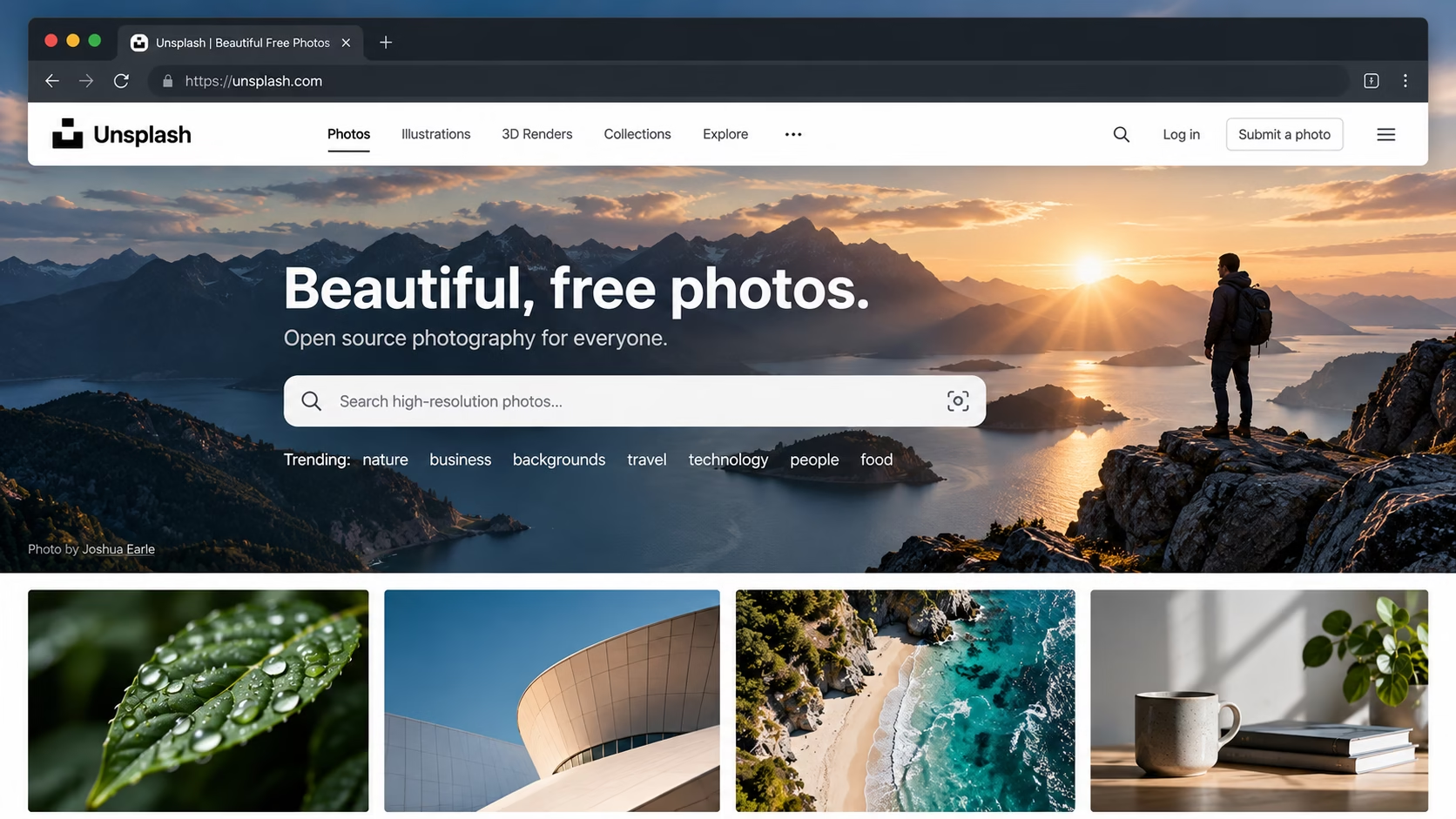
From dramatic landscapes and striking architecture to modern workplaces and lifestyle photography, Unsplash is packed with professional-quality images. Download high-resolution photographs for websites, social media, brochures and commercial projects without paying a download fee or providing mandatory attribution under the Unsplash licence.
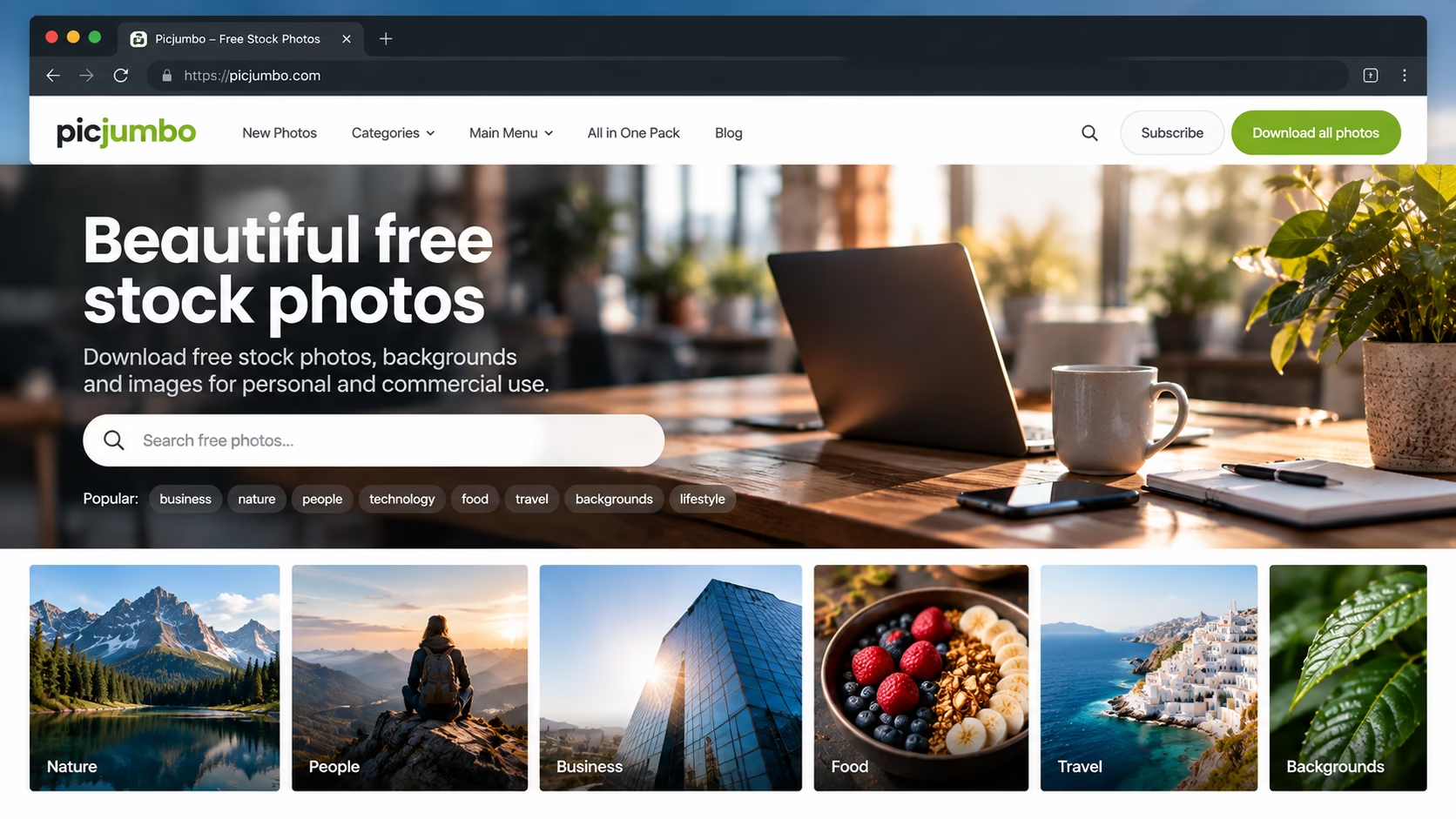
Picjumbo offers an appealing collection of free stock photography, with subjects ranging from technology and business to food, fashion and lifestyle. It is particularly useful when you want attractive images for websites, blog posts, advertising and promotional materials. Free downloads are available, with usage subject to Picjumbo’s terms.
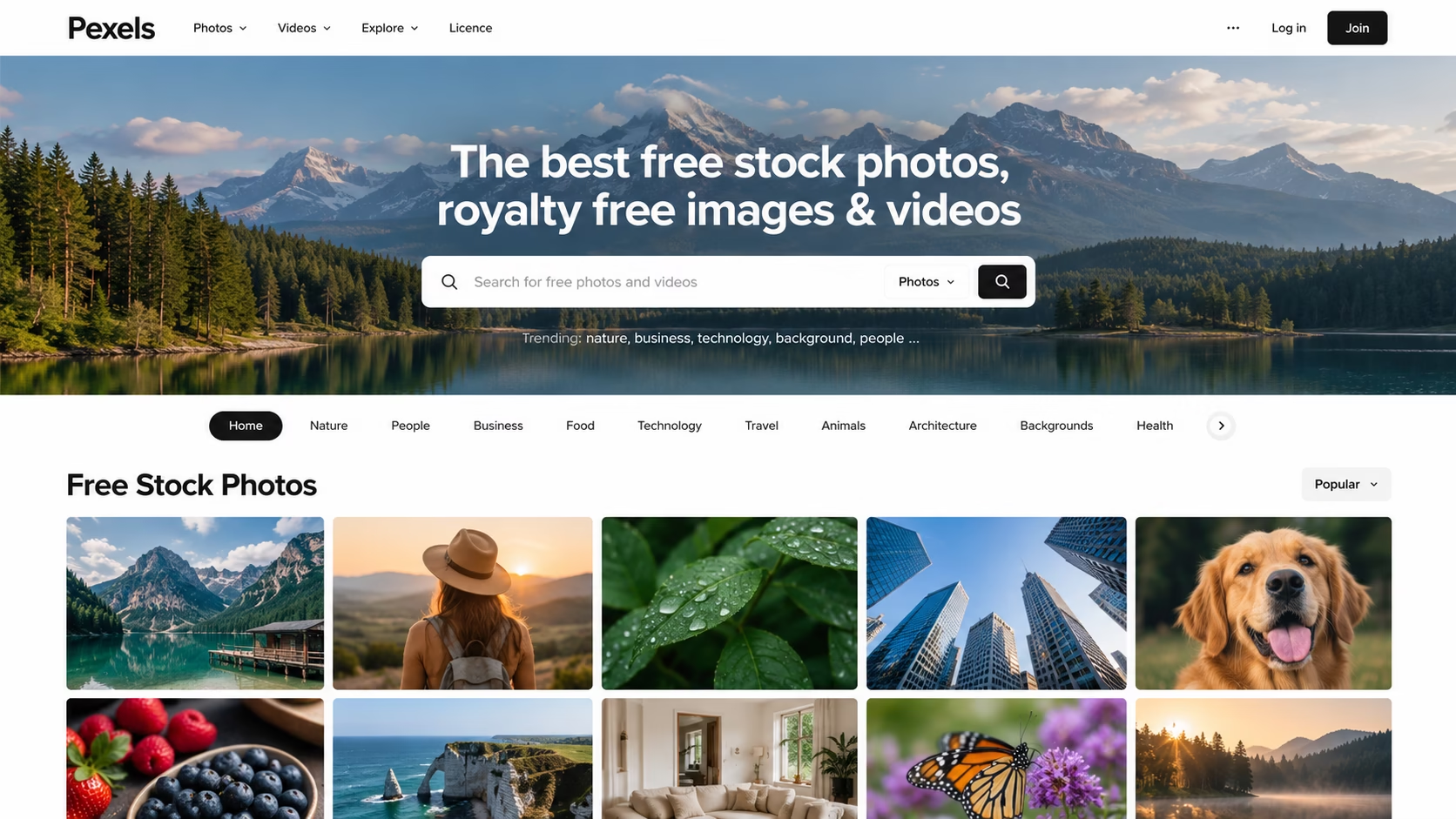
Pexels is a fantastic resource for designers and content creators looking for high-quality photographs and videos. Explore everything from people and business to travel, interiors and technology. Download, adapt and use eligible content in personal and commercial projects without mandatory attribution, subject to the Pexels licence.
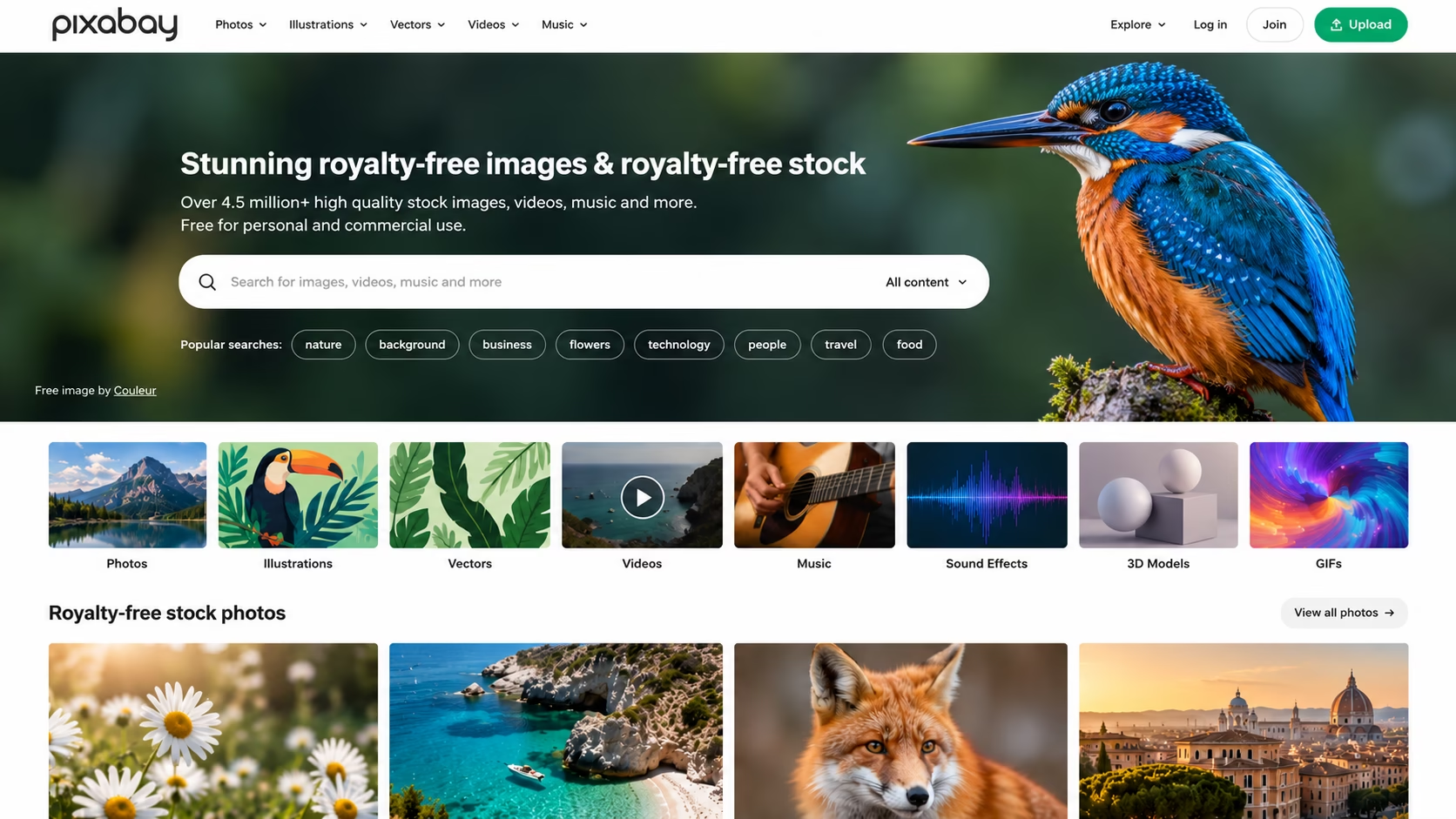
Pixabay offers a broad selection of free stock photos, illustrations, vector graphics and videos. Whether you need a beautiful landscape, a striking background or artwork for a presentation, there is plenty to explore. Eligible content can be used commercially without mandatory attribution, subject to the Pixabay Content Licence.
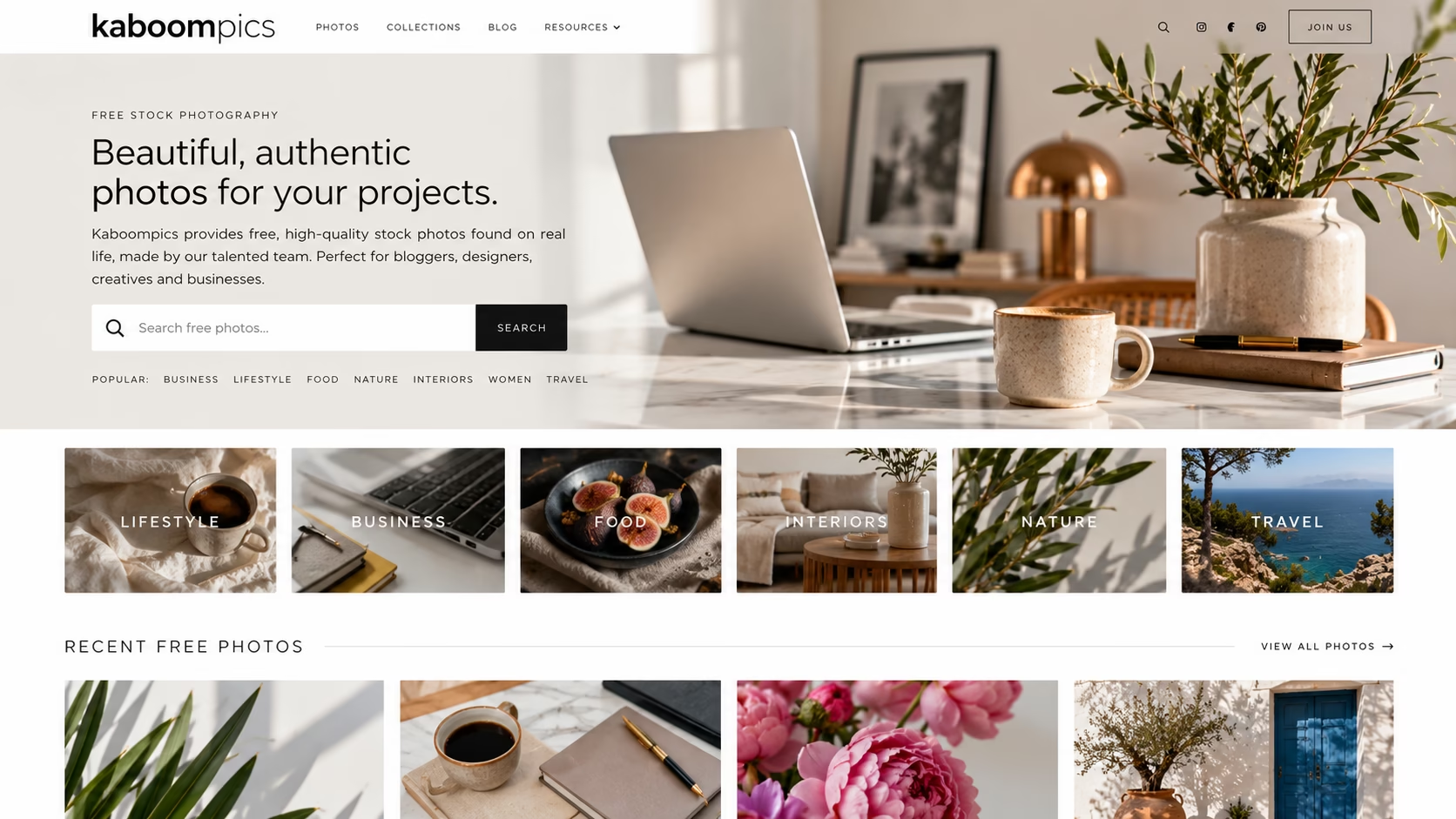
Looking for beautifully styled interiors, lifestyle photography, food imagery or modern product shots? Kaboompics specialises in curated photographs that can give your designs a polished, contemporary look. Its free downloads are available for personal and commercial projects under its licence, although some images are marked for editorial use only.
Good practice
- When downloading is compete we suggest keeping the original downloaded image in a dedicated folder along with a copy of the readme file, license and any associated files if available. This way, you have a record of when you downloaded the image and can confirm that it was free.
- Read the License: if you are using Free Stock Images, EVEN IF IT SAYS IT IS FREE it’s important to CHECK the specific usage rules of the platform, they are not all the same. Always make sure to download the readme file, license and terms and save it alongside the original file.
- Commercial vs. Personal Use: Some websites limit usage to personal projects only. If you plan to use the image for business purposes, double-check that the license clearly allows for commercial use.
- Attribution: While it’s not always mandatory, some licenses may request or legally require you to credit the original photographer or platform. We always recommend including a link to the photographer on your website and, if you can, leaving a donation as a thank you.
- Editorial Use Only: Images labeled for “Editorial Use” are meant solely for news, blogs, or educational content. They shouldn’t be used for marketing or commercial products.
How can a stock image company find unauthorised use?
Copyright holders and image agencies may use reverse-image search, image-matching technology and web monitoring to identify images appearing on websites without an appropriate licence.
Some images also contain embedded metadata that can help identify the creator or rights holder, although this information can be removed or changed.
Do not assume that an image is safe to use simply because it has been cropped, edited or downloaded from an unfamiliar website. Equally, finding an image online does not automatically mean that its use is unlawful. The important question is whether you have the necessary rights and permissions for your intended use.
Warning: Take care
Many free image websites mix free and paid images, often placing them side by side. It is easy to click on a paid image and be redirected to another website, and this is often deliberate. Make sure you and your staff understand the difference between free and paid images. Whenever an image is downloaded, save a copy of its licence terms alongside the original image for future reference.
Main image Photo by Kevin Williams: https://www.pexels.com
Please note this is a guide only to where to get free stock images. Please ensure that you read all the terms and conditions and understand these before downloading any file.
Explore the world of PrePress