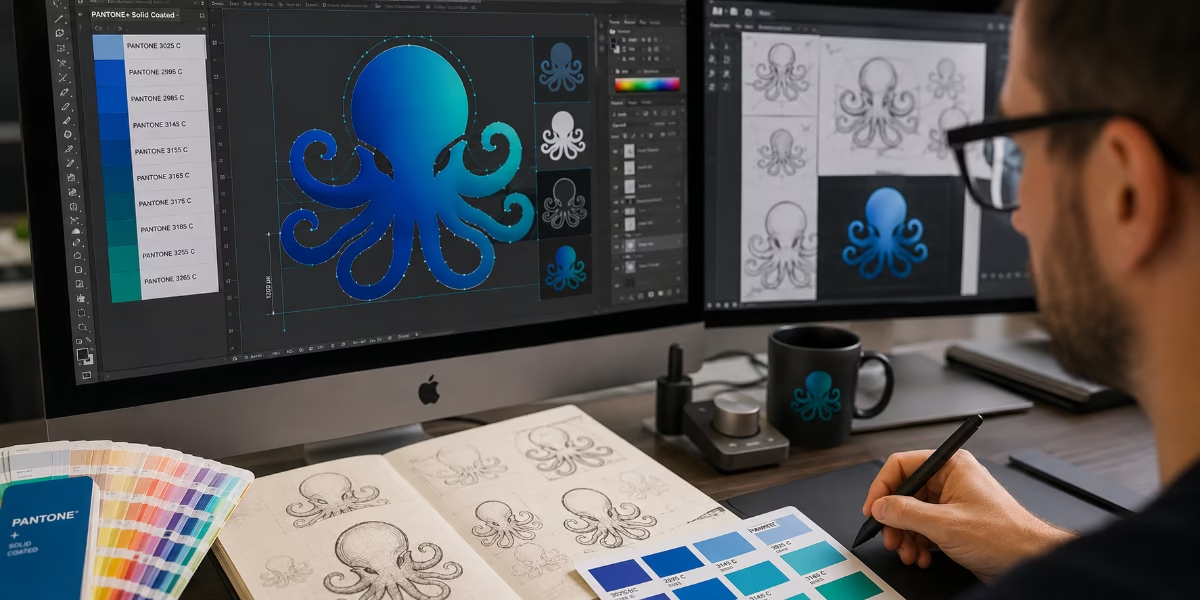
What resolution should a logo be?
The complete guide to vector logos, DPI and print quality
The short answer to what resolution should a logo be? A professionally designed logo shouldn’t have a resolution at all.
Unlike photographs, a logo should almost always be created as vector artwork, not as a pixel-based image. Vector graphics can be scaled from a tiny website favicon to a giant exhibition banner without losing quality, making them the industry standard for professional branding.
If your logo only exists as a JPEG, PNG or Photoshop file, it may still work for some digital applications, but it is unlikely to be suitable for every form of printing. Having a master vector version of your logo is one of the most important investments you can make in your brand.
Why professional logos are created as vector artwork
A vector logo is built using mathematical paths rather than individual pixels. Because the artwork is generated from shapes and curves instead of a fixed grid of dots, it can be enlarged or reduced to any size while remaining perfectly sharp. Whether your logo appears on a business card through to building wraps the same vector file can be used without any loss of quality.
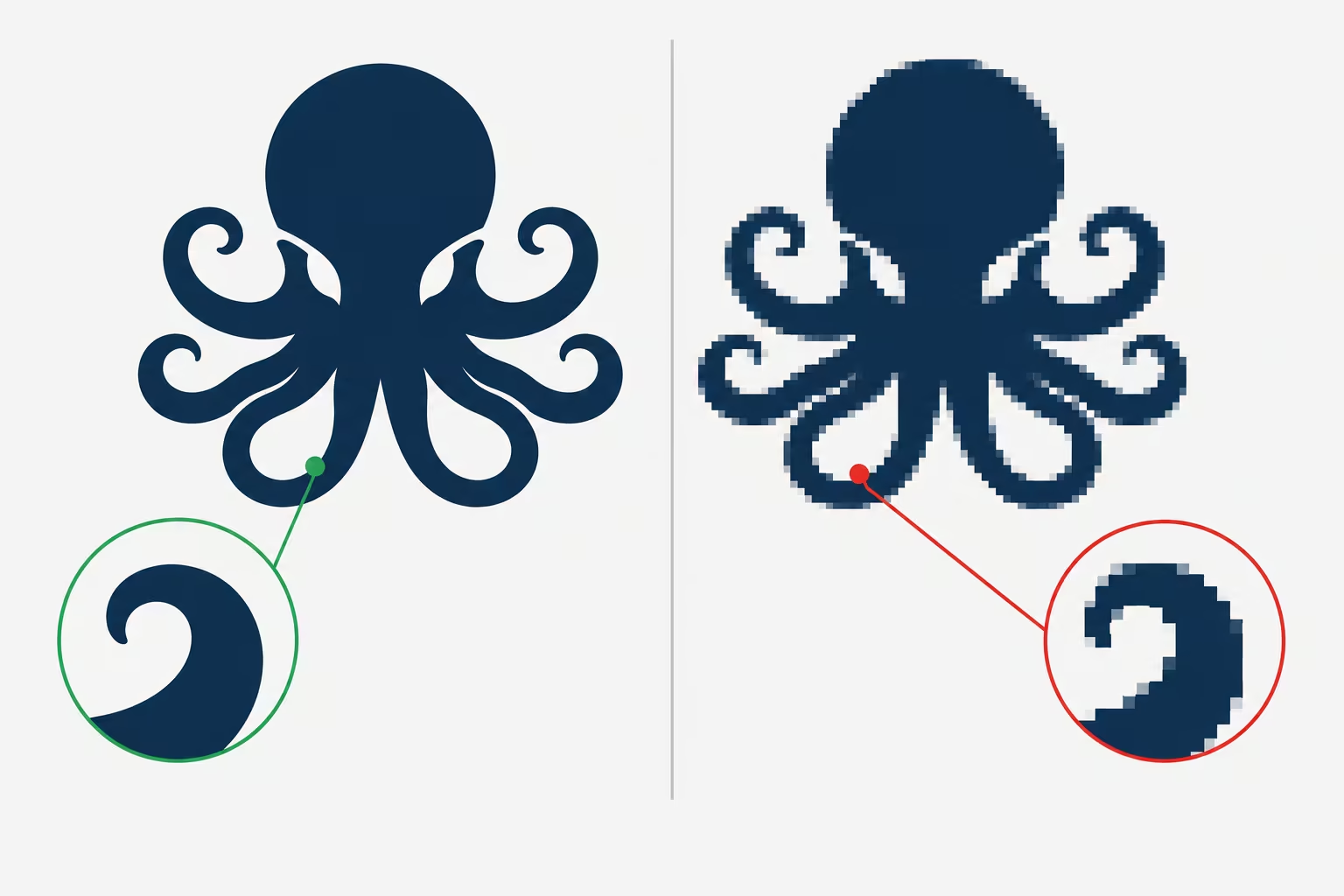
Vector vs Raster Logos
When it comes to understanding what resolution a logo should be? the difference between vector and raster graphics explains why some logos print beautifully while others become blurred or pixelated.
Vector Logos
Vector artwork is resolution-independent. It has no fixed DPI or PPI because it is rendered at the resolution required by the printer, display or cutting device.
Vector Files vs. PostScript Files
Vector files: A broad group of digital graphics that use math formulas (points, lines, and curves) instead of pixels. This group includes modern formats like SVG and AI, as well as older print formats.
PostScript files: A page description language created by Adobe. When saved as an EPS (Encapsulated PostScript) file, it acts as a specific kind of vector file that tells printers and software how to draw the vector lines.
Common vector file formats
- AI (Adobe Illustrator)
- EPS
- PDF (vector)
- SVG
- CDR (CorelDRAW)
Advantages of vector logos
- Infinite scalability
- Crisp, sharp edges at every size
- Easy colour editing
- Small file sizes
- Perfect for commercial printing
- Ideal for embroidery, laser cutting and CNC routing
- Suitable for signage, packaging, promotional products and vehicle graphics
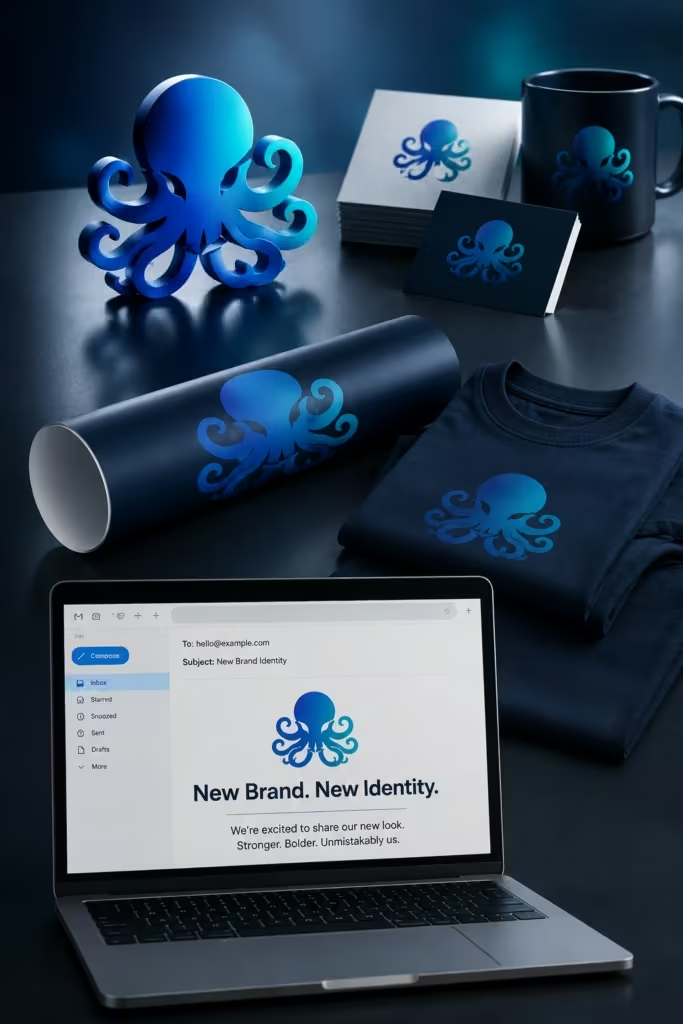
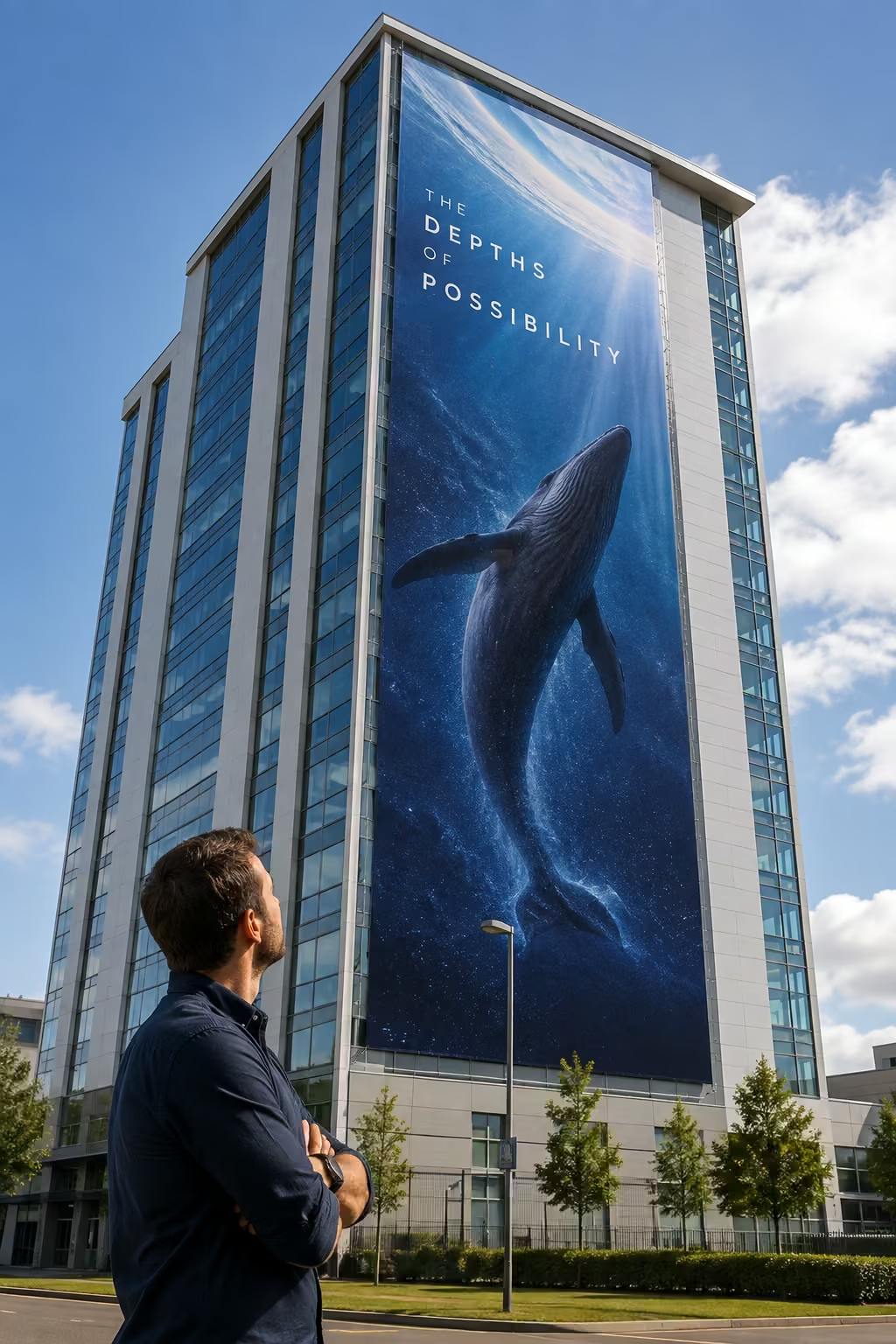
A single vector logo can produce every other version your business will ever need. From a business card to a building wrap.

Raster logos
Raster graphics are made from pixels. Every raster image has a fixed number of pixels, meaning enlarging it eventually causes visible quality loss
Common raster formats
| Format | Best used for |
|---|---|
| PNG | Websites, presentations and transparent backgrounds |
| TIFF | High-quality print where vector artwork isn’t available |
| JPEG | Web, Photographs and general images |
| WebP | Websites |
| Giff | Simple web graphics and animations |
| PSD | High quality print |
Raster images work well for photographs but are rarely the best choice for master logo artwork.
What resolution should my logo be?
This is probably one of the biggest misconceptions in graphic design. The answer depends on whether your logo is a vector or raster image.
As we have already explained, vector logos do not have a DPI or a fixed resolution. They are constructed from mathematical paths rather than pixels, so they can be reproduced at virtually any size without losing sharpness.
If your logo is a raster image, however, resolution does matter. The often-quoted 300 DPI recommendation applies to raster images, although 300 PPI should not be treated as an absolute rule. The required resolution depends on the type of artwork, how it will be reproduced and its final size.
As a general guide for high-quality commercial printing:
- Photographs should usually be around 300–400 PPI at final size.
- Fine-line artwork or raster logos can benefit from 400–600 PPI at final size, particularly where sharp edges and small details are important.
- Vector logos remain perfectly sharp at any size because they are made from mathematical paths rather than pixels.
Remember that these figures refer to the final reproduction size. If a raster logo is enlarged, its effective PPI decreases. An image that is 400 PPI at 100%, for example, becomes 200 PPI when enlarged to 200%.
Reducing an image has the opposite effect, increasing its effective PPI, although it does not create any additional detail.
Don’t try to create resolution that isn’t there
Simply increasing the resolution of a raster logo in Photoshop does not magically create more detail. If the original logo is a small, low-resolution bitmap, changing it from 72 PPI to 400 PPI does not turn it into a high-quality logo. The software is simply resampling the existing pixels.
This is why, wherever possible, a logo should be supplied as vector artwork, such as an Adobe Illustrator AI, EPS or suitable PDF. A vector logo can then be scaled to the required size without introducing pixelation. A simple raster logo containing large, straight-edged shapes may sometimes appear perfectly acceptable at a surprisingly low resolution. Pixelation is generally much less noticeable on straight horizontal and vertical edges than it is on curves, diagonals, fine type or detailed artwork. That does not mean a low-resolution logo is good practice. If you have the choice, always keep the master logo as vector artwork.
What if you only have a PNG or JPEG logo?
Many businesses only have a PNG or JPEG version of their logo. Whether this is suitable depends entirely on how the logo will be used.
Suitable Uses
What resolution should a logo be? With an high-resolution PNG is generally suitable for:
- Websites
- Social media
- Email signatures
- Microsoft Office documents
- PowerPoint presentations
- Internal company documents
When a PNG/JPEG isn’t enough
PNG and JPEG logos are usually unsuitable for:
- Large-format printing
- Exhibition graphics
- Vehicle livery
- Shop signs
- Packaging
- Lithographic printing
- Flexographic printing
- Embroidery
- Promotional merchandise
- Laser or CNC cutting
If your business regularly produces printed material, your logo should be recreated as vector artwork.
Recommended Logo Sizes for Digital Use
Modern websites display images using pixel dimensions rather than DPI. Typical logo sizes include:
| Application | Recommended Size |
|---|---|
| Website header | 250–500 px wide (SVG preferred) |
| Favicon | 32 × 32 px |
| Retina favicon | 64 × 64 px |
| Facebook profile | 320 × 320 px |
| Instagram profile | 320 × 320 px |
| LinkedIn company logo | 400 × 400 px |
| Email signature | 250–400 px wide |
Wherever possible, use SVG for websites, as it stays perfectly sharp on every screen resolution.
Which logo file should you send to a printer?
Professional printers almost always prefer vector artwork.
The ideal order of preference is:
- AI (Adobe Illustrator)
- EPS
- PDF (Vector)
- SVG (where supported)
If vector artwork isn’t available:
- Use PNG or TIFF rather than JPEG.
- Supply the artwork at its final printed size.
- Aim for a minimum of 400PPI, 600ppi is better, particularly for logos containing fine lines or text.
Repeatedly saving JPEG files reduces image quality because each save applies additional compression.
Why screenshots make poor logos
Taking a screenshot from a website is one of the most common mistakes people make. Although the logo may appear sharp on your monitor, it usually contains far too few pixels for professional printing. A logo that is only 300 pixels wide might look acceptable online but will quickly become soft and pixelated when enlarged for print. A screenshot should never replace the original logo artwork.
Can artificial intelligence improve a low-resolution logo?
Modern AI image enhancement tools can improve the appearance of small logos, but they cannot accurately recreate the original vector artwork. They often introduce:
- distorted curves
- inconsistent lettering
- uneven edges
- incorrect proportions
For professional branding, the best solution is always to locate the original vector files or have the logo professionally redrawn in Adobe Illustrator.
Why professional designers keep vector master files
A professionally designed logo should always begin life as a master vector file. From this single file, designers can generate:
- AI
- EPS
- SVG
- PNG
- TIFF
- JPEG
- WebP
This ensures your branding remains consistent across websites, social media, brochures, stationery, packaging, exhibition graphics and large-format signage.
What should a professional logo package include?
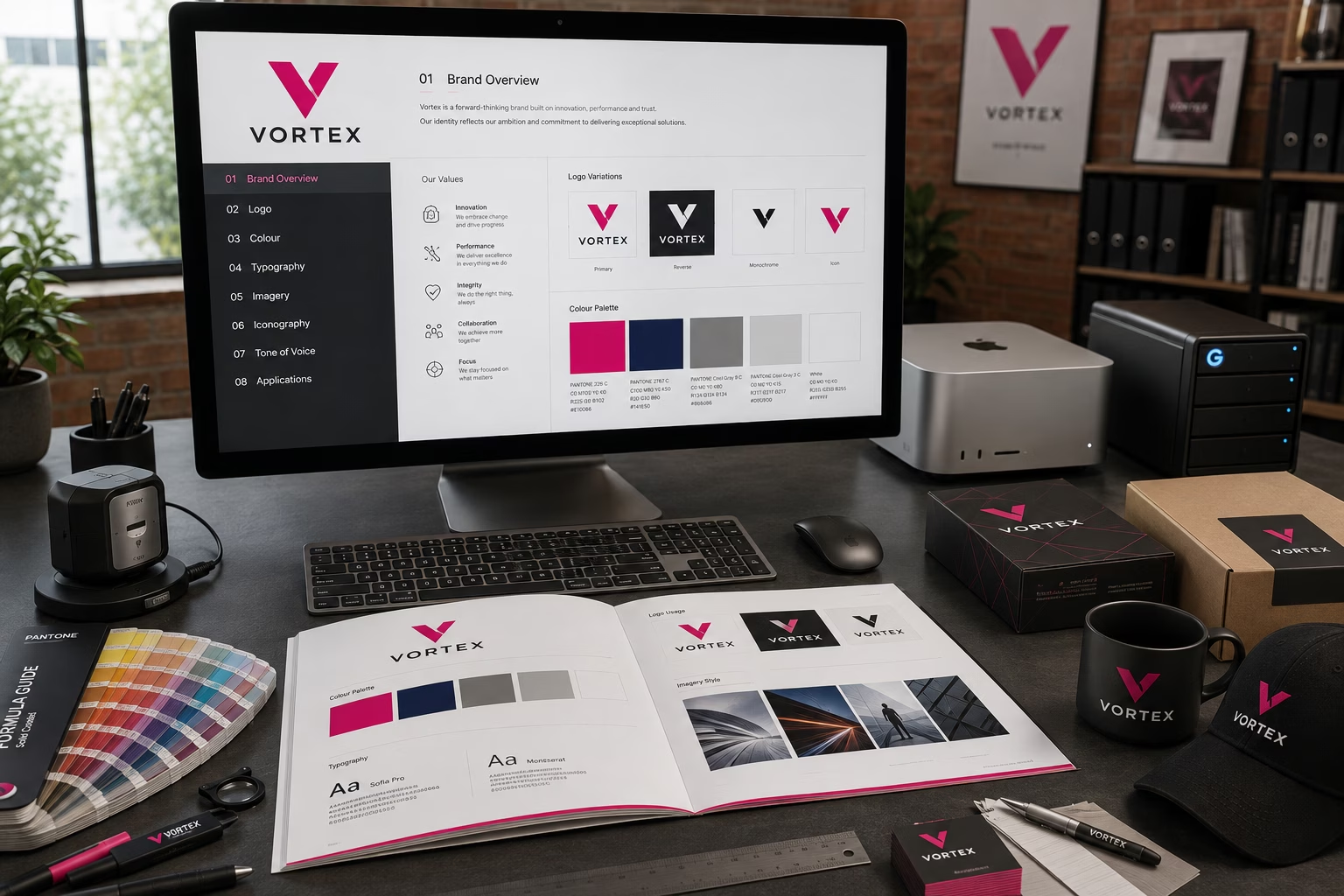
When your deign Compnay produces your Compnay logo they should also present a range of logos and colour options for various types of media application. `for instance a web version, a print version, one for your email etc etc. A complete logo package should contain versions suitable for every application. Ideally, you should receive:
- Master AI file
- EPS file
- Vector PDF
- SVG for websites
- Transparent PNG
- High-resolution TIFF
- RGB version
- CMYK version
- Pantone spot colour version
- Black-only version
- White (reversed) version
- Monochrome version
Having these versions means your logo is ready for virtually any printing or digital project. You should also have any Pantone RAL and Lab colour breakdowns as well as the standard CMYK and RGB breakdowns for each colour used.
Frequently Asked Questions
Can I enlarge a PNG logo?
Only to a limited extent. Enlarging a raster image causes pixelation and blurred edges.
Is SVG better than PNG?
For websites, yes. SVG files remain perfectly sharp at any screen size because they are vector graphics.
Can Photoshop create a logo?
While Photoshop can be used to design a logo concept, it is not the ideal application for creating a master logo. Adobe Illustrator is the industry standard because it produces vector artwork.
What is the best logo file format?
For professional use, an Adobe Illustrator (AI) file is the preferred master format. EPS, vector PDF and SVG are also excellent options.
Why does my logo look blurry when printed?
The most common reason is that the logo is a low-resolution raster image rather than a vector file.
What’s the difference between DPI and PPI?
PPI (Pixels Per Inch) describes the resolution of digital images, while DPI (Dots Per Inch) refers to how printers reproduce those images. In everyday conversation the terms are often used interchangeably, but they are technically different.
Can a PNG be converted into a vector?
Yes, but not automatically with perfect accuracy. Most logos need to be professionally redrawn to produce clean, accurate vector artwork.
Best Practice
A professional logo should always be created as vector artwork. Vector graphics are infinitely scalable, maintain crisp edges at every size and provide the flexibility needed for modern branding across print and digital media.
Your logo package should include versions for Pantone, CMYK, RGB, black-only and white applications, together with the original vector master files in AI, EPS, PDF and SVG formats.
If your business only has a low-resolution JPEG or PNG logo, having it professionally recreated as vector artwork will protect your brand identity, improve print quality and ensure your logo is ready for everything from business cards to exhibition graphics.
Explore the world of PrePress